TL;DR:
- Undetected leaks and billing inefficiencies drain thousands of dollars annually from California multifamily properties. Implementing water usage analytics with smart sensors, proper infrastructure, and active management enables proactive leak detection, regulatory compliance, and cost savings. Engagement and consistent oversight are essential for achieving measurable water efficiency improvements over time.
Undetected leaks and billing inefficiencies quietly drain thousands of dollars each year from multifamily properties across California. With SB-7 mandating submeters and itemized billing for new builds post-2018, and Title 24 raising the bar for efficiency, property managers can no longer afford to rely on manual meter reads and reactive repairs. This guide walks you through everything you need to deploy water usage analytics, from selecting the right hardware to validating real savings, so you can move from guesswork to genuinely proactive water management.
- What you need to get started with water usage analytics
- How to deploy water usage analytics: Step-by-step process
- Best practices and expert tips for error-free analytics
- Troubleshooting and validating results: Is it working?
- The crucial difference between checking the box and real results
- Ready to unlock water savings and compliance?
- Frequently asked questions
Key Takeaways
| Point | Details |
|---|---|
| Meet California rules | SB-7 and Title 24 require submeters and efficient tracking for all new multifamily properties. |
| Install the right tools | Smart meters and real-time sensors are essential to effective water usage analytics and early leak detection. |
| Configure and calibrate | Customize thresholds and alerts based on your building’s occupancy and patterns to minimize false alarms. |
| Audit and verify results | Annual AWWA water audits help confirm savings, spot issues, and ensure ongoing compliance. |
| Proactive beats reactive | Active engagement with analytics provides deeper savings and fewer emergencies than basic compliance. |
What you need to get started with water usage analytics
With the critical need outlined, let’s break down what you’ll need before deploying water usage analytics in your multifamily property.
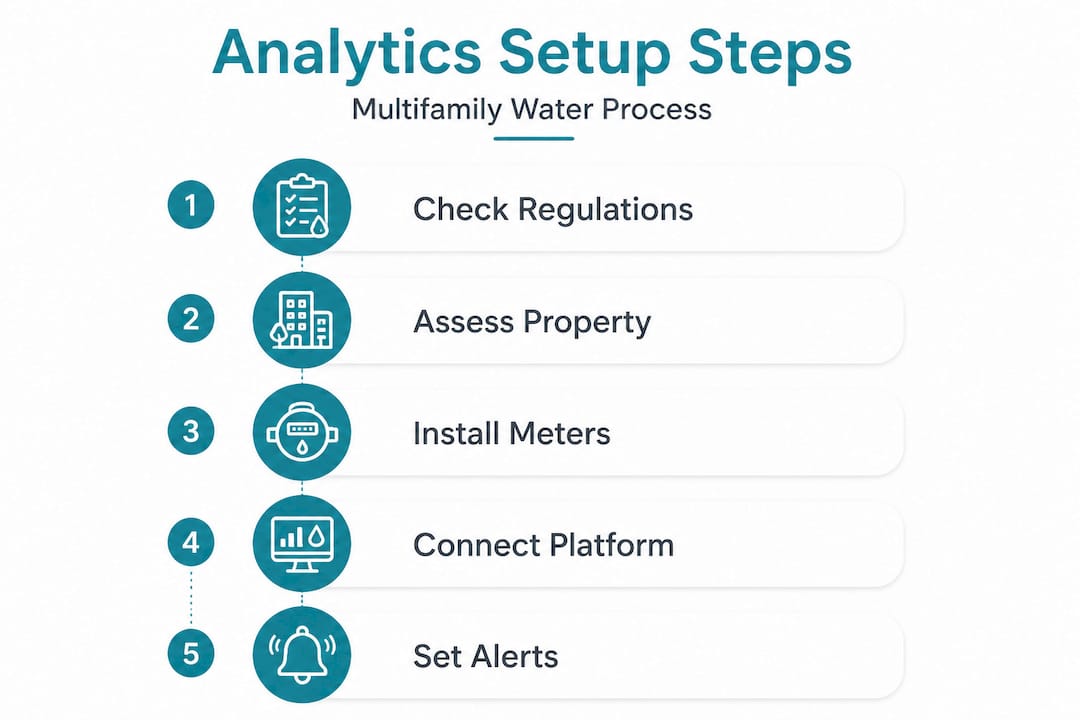
Getting started is not just about buying sensors and plugging them in. It requires a clear understanding of your regulatory obligations, your building’s infrastructure, and your team’s readiness to act on data.
Regulatory foundation
California sets the bar high. SB-7 and Title 24 require submetering for new multifamily constructions completed after 2018, along with itemized water billing for tenants. These regulations exist to promote conservation and accountability, and non-compliance carries real financial and legal risk.
Your first step is confirming which regulations apply to your specific property. Review your building’s construction date, occupancy type, and local utility requirements. Some water districts layer additional mandates on top of state law, so checking with your utility provider is a smart move before purchasing any equipment.
Review the submetering compliance guide for a clear breakdown of current California requirements and how to align your property with them efficiently.
Equipment and infrastructure checklist
Before installation, confirm you have these components in place:
- Smart submeters for each individual unit, covering both hot and cold water lines where applicable
- IoT sensors (Internet of Things sensors, meaning internet-connected devices that transmit data automatically) placed at high-risk points such as water heaters, laundry rooms, and common areas
- Gateway hardware to collect sensor signals and transmit them to your analytics platform
- Cloud-based analytics software that supports real-time dashboards, historical trending, and automated alerts
- Stable network connectivity throughout the building, whether via cellular, Wi-Fi, or hardwired connection
- Documented building schematics so installation teams can map meter locations accurately
| Requirement | Purpose | Priority level |
|---|---|---|
| Smart submeters | Per-unit billing and usage tracking | Critical |
| IoT leak sensors | Early detection at high-risk points | Critical |
| Analytics software | Real-time monitoring and anomaly detection | Critical |
| Network connectivity | Data transmission to the cloud | High |
| Building schematics | Accurate installation planning | High |
| Staff training plan | Ensuring team acts on alerts | Medium |
Organizational readiness
Hardware alone will not deliver savings. Your maintenance team needs a clear protocol for responding to alerts. Tenant communication is equally important because residents should understand that submetering will appear on their bills and why the building is upgrading its systems. Proactive communication reduces disputes and builds trust.
Pro Tip: Draft a one-page tenant notice explaining the new system before installation begins. Address what data is collected, how billing works, and who to contact with questions. This small step prevents most tenant concerns before they arise.
How to deploy water usage analytics: Step-by-step process
Once requirements and regulations are clear, proceed to the hands-on setup of your analytics solution.
Water usage analytics for multifamily buildings involves submetering individual units, real-time monitoring with smart meters and IoT sensors, and anomaly detection to identify leaks through deviations from baseline usage patterns. The deployment process below follows a logical sequence that minimizes disruption while maximizing accuracy.
Step 1: Conduct a pre-installation site assessment
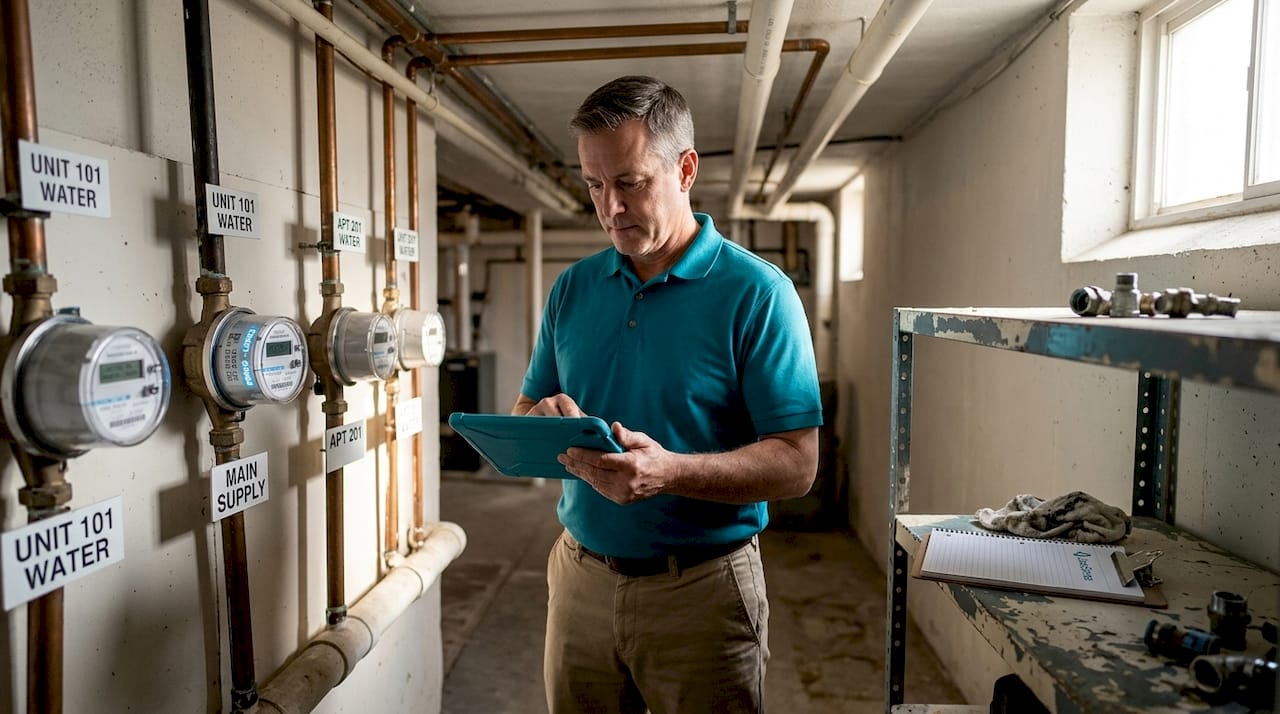
Walk the property with your installation team. Identify all main supply lines, individual unit shutoff locations, common area connections, and any aging or corroded pipes that might complicate meter installation. Document everything with photos and notes.
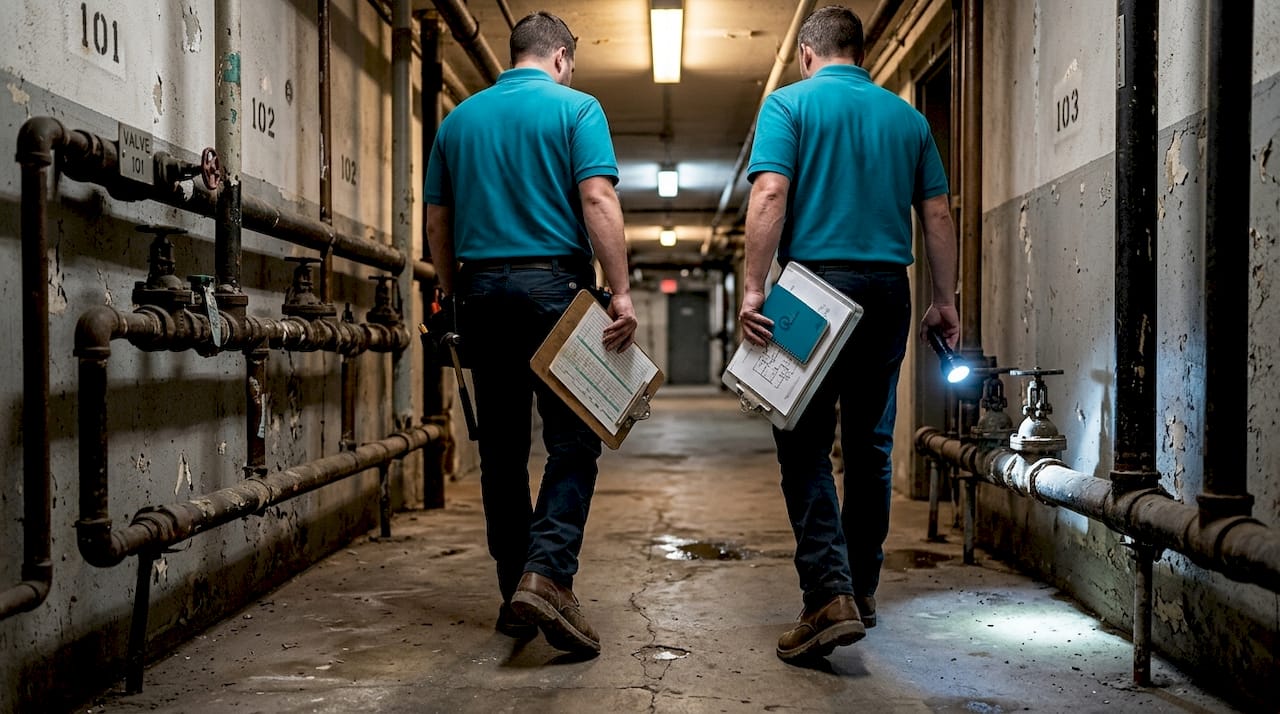
This assessment also identifies any infrastructure upgrades needed before sensors go in. For example, older buildings may have galvanized pipes that require section replacements to achieve clean meter readings.
Step 2: Install submeters and IoT sensors
Professional installation matters here. Meters must be placed at correct flow-direction orientations, sealed to prevent moisture intrusion, and tested for signal strength before the technician leaves the site. Each unit’s meter should be tagged with a unique ID that matches your analytics software’s unit database.
Place IoT leak sensors at the following locations as a minimum standard:
- Under sinks and near toilet bases in each unit
- At water heater connections in mechanical rooms
- Near irrigation controllers and backflow preventers
- In laundry rooms around washer connections and floor drains
Step 3: Connect to your analytics platform
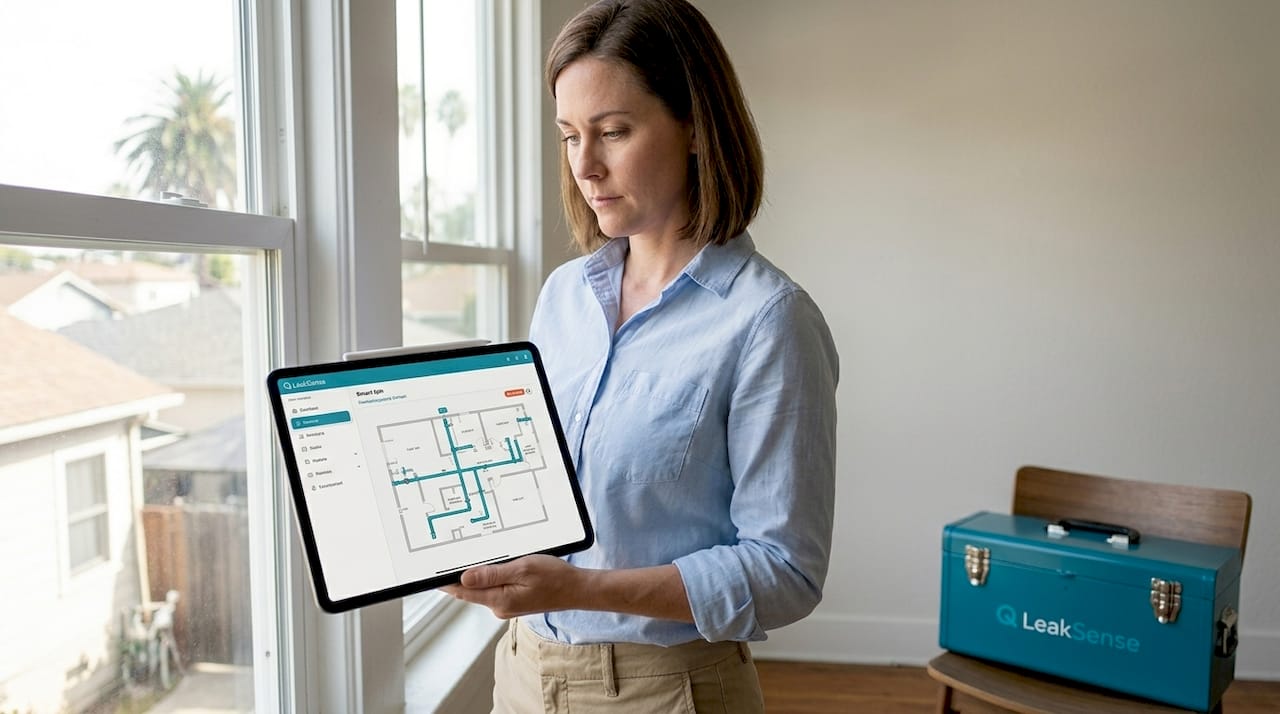
Once hardware is installed, register each meter and sensor within your analytics platform. The guide to smart water metering walks through platform configuration options available for multifamily properties.
During initial setup, configure each unit’s meter within the software and test data transmission. You should see live readings within minutes of activation. Confirm that all devices are reporting and that no dead zones exist in your network coverage.
Step 4: Establish baseline usage profiles
Before configuring alerts, let the system collect data for two to four weeks without interruption. This window gives the software enough information to calculate normal usage ranges for each unit. Baseline profiles account for occupancy levels, unit size, and seasonal factors.
Without a reliable baseline, your alert system will generate excessive false positives, frustrating your team and causing important alerts to be dismissed.
Step 5: Configure anomaly thresholds and alerts
Once baselines are established, set alert thresholds for the following scenarios:
- High flow: Usage exceeding the unit’s normal daily range for more than two consecutive hours
- Continuous flow: Any flow detected for more than four hours without interruption (often indicates a running toilet or supply line leak)
- Zero usage: No consumption for an extended period in an occupied unit (possible meter malfunction)
- Burst alerts: A sudden, dramatic spike in flow rate that suggests a pipe failure
Integrate alerts with your maintenance workflow. Automated notifications should route to a maintenance supervisor via SMS or email and log automatically in your work order system.
Step 6: Compare metering options
Understanding the difference between mechanical and smart metering helps you select the right long-term solution.
| Feature | Mechanical meters | Smart meters |
|---|---|---|
| Reading frequency | Manual, monthly | Continuous or hourly |
| Leak detection | None | Real-time anomaly alerts |
| Billing accuracy | Estimated between reads | Exact to the interval |
| Remote access | No | Yes, via cloud platform |
| Installation cost | Lower upfront | Higher upfront, lower long-term |
| Regulatory fit | Limited (SB-7) | Fully compliant |
Explore smart water metering services for a full breakdown of hardware and platform options matched to multifamily building sizes.
Pro Tip: When selecting analytics software, confirm it supports SFTP (Secure File Transfer Protocol) or direct API integration with your property management system. This allows automatic rent statement generation that includes water charges, saving your team hours of manual data entry each billing cycle.
Understanding why smart metering matters for operational efficiency will help you justify the investment to building owners and stakeholders.
Best practices and expert tips for error-free analytics
You have the system running, but to truly benefit, it’s important to apply advanced best practices and avoid common mistakes that undermine the value of your data.
Choose the right metrics
Not all metrics are equally useful for multifamily water management. Avoid the %NRW metric (percentage of Non-Revenue Water) because it penalizes buildings that already use water efficiently. Instead, use:
- Gallons per connection per day: A practical daily benchmark, with a typical healthy range of 20 to 100 gallons per connection
- Leakage Index: A normalized score from 1 to 5 that allows comparison across different building types and sizes
- Minimum Night Flow (MNF): Flow measured between 2 a.m. and 4 a.m. when legitimate use is lowest. Elevated MNF is a reliable signal of active leakage.
Tune thresholds to your building
A 40-unit building with seniors will have different baseline patterns than a 100-unit property with young families. Threshold settings that work perfectly in one context will generate constant false alarms in another. Review your alert sensitivity quarterly and adjust based on occupancy changes, seasonal shifts, and any significant renovations.
Key insight: Properties with water softeners, irrigation systems, or commercial laundry facilities should configure separate alert profiles for those systems. Lumping them into residential usage baselines is one of the most common sources of false positives.
Watch for false positives
False alerts are the enemy of team engagement. When maintenance staff receive too many incorrect alerts, they begin to ignore notifications. Common sources include:
- Water softeners regenerating overnight (natural high-flow event that looks like a leak)
- Vacation mode not activated for empty units during tenant turnovers
- Seasonal irrigation cycles triggering flow alerts on irrigation-connected meters
- Fill valve chatter in older toilet tanks, which creates intermittent but non-urgent flows
Learn how sensors are transforming plumbing management in multifamily buildings and how calibration strategies reduce these false positives.
Expand integration where possible
For larger properties or portfolio managers, connecting your water analytics platform to a SCADA (Supervisory Control and Data Acquisition) system or building management system (BMS) enables advanced analysis. This integration supports automated shutoff responses, consolidated reporting across multiple properties, and deeper MNF/transient flow analysis.
Discover how sensors revolutionize water management across California properties for practical integration examples.
Pro Tip: Schedule a quarterly review meeting with your maintenance lead to go through anomaly trends together. Data review meetings catch patterns that automated alerts miss, such as a unit with slowly increasing usage over several months that stays below the alert threshold but signals a worsening drip leak.
Troubleshooting and validating results: Is it working?
To guarantee ongoing savings and compliance, finish with a validation process and problem-resolution strategies.
Deploying the system is only the start. Validating that it actually works, and continues to work accurately over time, requires structured verification.
Run regular water audits
The AWWA Water Audit methodology provides a standardized, free software tool (version 6.0) for quantifying both real losses (physical leaks) and apparent losses (billing errors, unauthorized use) through mass balance audits. Running this audit annually gives you a defensible baseline for comparing year-over-year performance.
A mass balance audit works by comparing total water supplied to your building against the sum of all metered consumption. Any difference identifies losses that need investigation.
Important: Even a 3% unexplained variance in a 100-unit building can represent thousands of dollars in annual waste. The AWWA audit methodology makes these variances visible and actionable.
Step-by-step verification process
| Step | Action | Frequency |
|---|---|---|
| 1 | Pull meter reports and compare to billing statements | Monthly |
| 2 | Manually inspect two to three randomly selected units for leaks | Monthly |
| 3 | Review all triggered alerts and classify as true or false positives | Monthly |
| 4 | Run AWWA-style mass balance audit against utility invoices | Annually |
| 5 | Recalibrate meters and sensors per manufacturer schedule | Annually |
| 6 | Benchmark against prior year gallons-per-connection-per-day | Annually |
Validate alerts with physical inspections
Do not rely solely on software to confirm a leak. At least once per month, select two or three units that triggered alerts and perform a hands-on inspection regardless of whether the alert was resolved. This practice catches sensor drift (gradual loss of accuracy) and confirms that your team’s response protocols are working.
Understanding what real-time leak alarms require in California buildings helps you build a validation process that meets both operational and regulatory standards.
Address special scenarios
Empty units during tenant turnover periods and peak occupancy during holidays both create data anomalies. Configure your platform to allow manual status updates for each unit so the system accounts for these conditions. This keeps your data clean and your alert history meaningful for long-term trend analysis.
The crucial difference between checking the box and real results
Here is a candid observation after working with property managers across California: a large number of buildings get submeters installed, satisfy the SB-7 checkbox, and then never look at the data again. The analytics platform sits there, sending alerts to an inbox that nobody monitors actively. The leaks continue. The water bills stay high. And the property owner wonders why the investment did not deliver the promised savings.
The technology works. The gap is engagement.
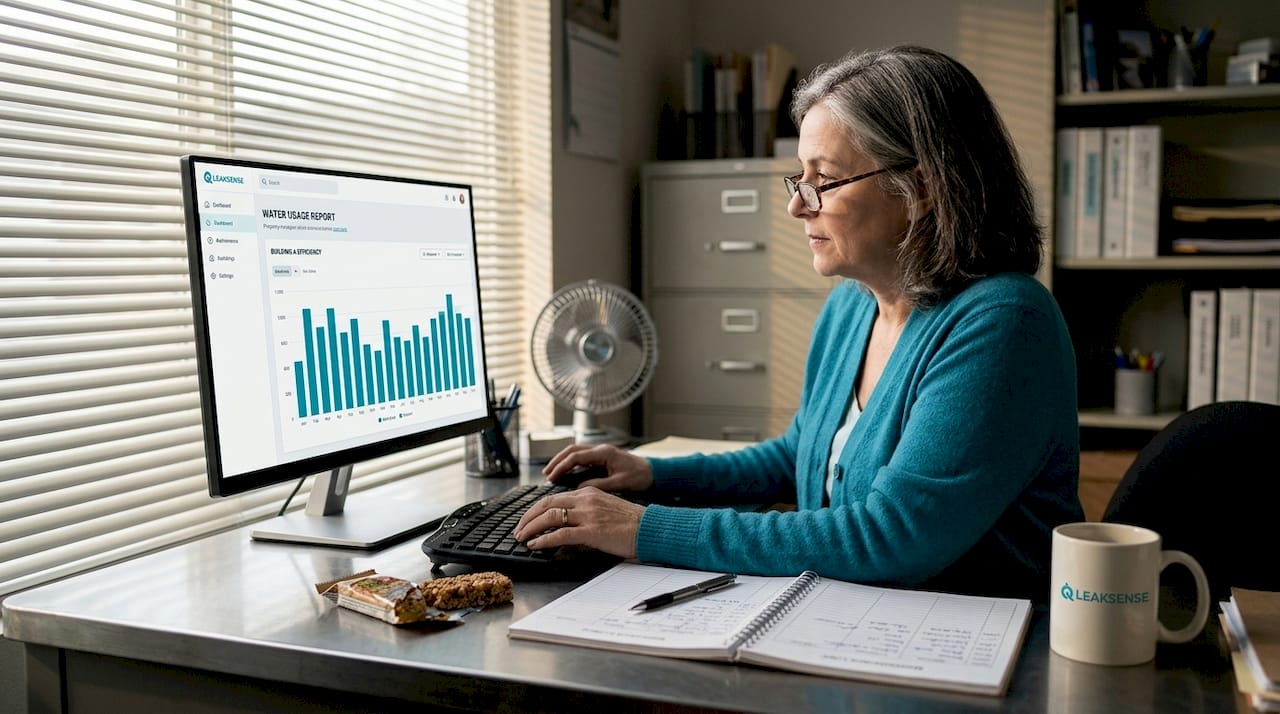
Real results come from treating water data the same way you treat rent collections or maintenance work orders. It needs an owner on your team. Someone who opens the weekly usage report, asks why Unit 14 used 40% more water than average last Tuesday, and follows up until there is a clear answer. That habit catches the slow drip behind a wall before it becomes a $30,000 ceiling replacement.
There is also a cultural dimension that most implementation guides skip. When maintenance staff understand that the analytics system is there to make their jobs easier and not to spy on their response times, they become your best allies. They start reporting field observations that improve your threshold calibrations. They flag sensor placements that do not make sense for specific unit layouts. The system gets smarter because the team is genuinely engaged with it.
Proactive remote water monitoring creates this kind of operational culture shift, and the properties that embrace it consistently outperform those that treat it as a compliance exercise.
Compliance is the floor, not the ceiling. The property managers who see the biggest returns are those who use analytics as an ongoing operational tool, not a one-time installation event.
Ready to unlock water savings and compliance?
You now have a complete, step-by-step framework for deploying water usage analytics in your multifamily property. The next step is finding solutions that make implementation faster, more accurate, and fully aligned with California’s regulatory requirements.
LeakSense supports property managers across California with professional installation, real-time monitoring dashboards, and automated shutoff integration. From automatic leak detection services to a full catalog of water metering systems designed for multifamily applications, the platform covers every phase of deployment. If you need guidance navigating SB-7, Title 24, or local utility requirements, California compliance support is available to walk you through exactly what your property needs. Schedule a consultation to see how quickly your building can start generating measurable water savings.
Frequently asked questions
Do California laws require submetering for all new multifamily buildings?
Yes, SB-7 mandates submetering and itemized billing for new multifamily constructions completed after 2018, making compliance a legal requirement for qualifying properties.
How can smart water analytics detect leaks more accurately than traditional methods?
Smart meters and IoT sensors enable continuous real-time tracking and anomaly detection, identifying leaks by comparing live flow data against established baseline usage patterns at the unit level.
What should I do if my analytics system produces false leak alerts?
Fine-tune your alert thresholds based on occupancy patterns, calibrate devices to account for equipment like water softeners, and activate vacation mode for empty units to significantly reduce false alert frequency.
Which metrics make the most sense for multifamily water loss auditing?
Use gallons per connection per day (healthy range: 20 to 100) or the Leakage Index scale of 1 to 5, rather than %NRW, which tends to penalize properties that already conserve water effectively.
How often should water audits be performed to verify savings?
Annual water audits following AWWA methodology are the recommended standard, providing a structured mass balance comparison that benchmarks your property’s performance and identifies persistent loss trends year over year.